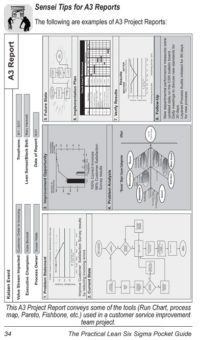
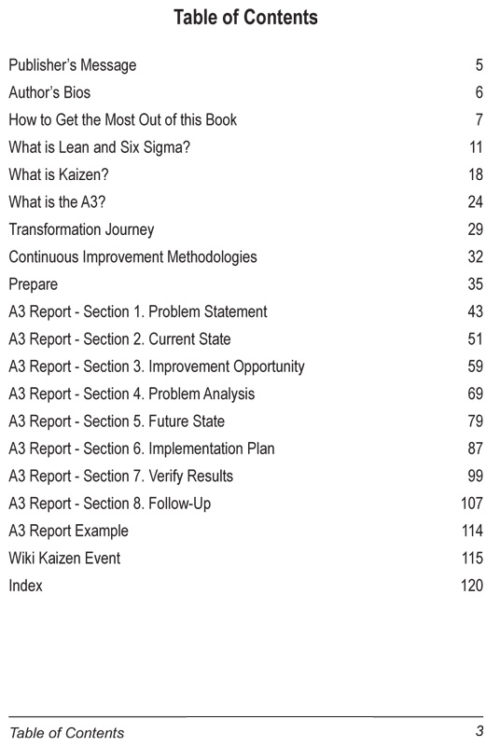
By: Todd Sperl, Rob Ptacek, Jayant Trewn (PhD)The A3 Pocket Handbook for Kaizen Events allows team members to be literally and figuratively on the same page when participating in an improvement event. This allows more ownership, while at the same time preserving organizational knowledge. The improvement methodology used (i.e., Six Sigma D-M-A-I-C, PDCA, etc.) will relate to the A3 Report that is conveyed in this publication. (The A3 Report is designed to help you “tell the story” in a logical and visual way and act as a road map for continuous improvement and problem solving initiatives.)
The purpose of this pocket handbook is to:
- Ensure all team members have a quick reference for Lean Six Sigma definitions.
- Compliment, as a mini-workbook, the Practical Lean Six Sigma for Healthcare and The Lean Six Sigma Pocket Guide XL books as well as any other training materials used in an improvement event.
- Provide a road map for continuous improvement projects if no other methodology (i.e., PDCA, D-M-A-I-C, etc.) is used.
- Provide Lean Thinking Statement assessments at the end of each section for employees to “think” Lean and continue their engagement.
- Be a repository of thoughts, ideas, and any action items that may be assigned, etc.
- To retain organizational knowledge by being a personal detailed log of the Kaizen Event to be shared and/or referenced later.